

March 21, 2024
AI-Powered Architecture Design

Share


At Flux, we envision a different approach. Flux transforms architectural design by leveraging AI to rapidly generate and evaluate a wider range of options against your specific product requirements, ensuring a more effective selection process that leads to optimal outcomes. Here’s how:
To begin, you can simply have a conversation with Copilot about what you intend to build using as much information as you know. Copilot can use your requirements and constraints to explore many different architectural ideas and variations quickly.
You can also start with a Copilot Template with your design requirements objectives, constraints and regulatory aims, Copilot will use these guardrails to help find the best architectural solution that fits within your enterprise’s unique requirements. The more Copilot knows about what you want to build, the smarter architectural design recommendations it can make.
Simply add properties to your project like operating voltage and temperature, human interface, connectivity, and power requirements to give Copilot more context. Feel free to check out the full list of project requirements we used in this Audio Amplifier example.
For example, you can ask Copilot something like
@copilot, I'd like to build a smart curtain that opens or closes based on the amount of sunshine I want to enter my room. How would you approach designing this? Please ask me questions to help with the development?
If you already have ideas and need help brainstorming, communicating with Copilot is intuitive and flexible. Already started working on a whiteboard sketch? Prefer working with figures and block diagrams? Just send Copilot images of your block diagrams or sketches and watch it convert them into actionable specifications and feedback.
With Copilot, the brainstorming process is easy.
Given your requirements, just prompt Copilot and it will dynamically generate and evaluate architectural variations, balancing technical specifications and regulatory requirements in real time. For example, you could ask Copilot
@copilot, based on my requirements, help me figure out the best power architecture for this project. What should the power tree look like?
or
@copilot, brainstorm a few architecture options for this project. Compare all options in terms of total BoM cost and time to market. Particularly consider: Should I use modules or standalone MCUs?
Watch as Copilot transforms your requirements into detailed, actionable architectures and block diagrams. This direct translation from concept to plan streamlines the initial step of architectural design, ensuring your ideas are grounded in reality from the outset. And the automation of the process allows Copilot to generate multiple architectural solutions for you to choose from. This breadth of exploration ensures that every possible avenue is considered.
You can create a block diagram by asking Copilot something like
@copilot, please create a mermaid-formatted block diagram for this architecture.
Copilot can then help you in iterating on your design. Think of working with Copilot as a natural, free-flowing conversation. Working with Copilot in a back-and-forth feedback loop is the best way to ensure the optimal final result.
For real examples of using Copilot of brainstorm and generate architecture options, check out these project demos:
Copilot’s outputs improve the hardware design process significantly. But still, you and your team will want to evaluate your options and decided on the best path forward.
Flux's environment is designed for collaboration, enabling multiple stakeholders to engage in the architectural drafting process simultaneously. With built in-project commenting, everyone in your organization can share their thoughts and see the feedback of others. That way, the whole team is on the same page and all ideas are taken into consideration. And, with automatic version control, your team is free to experiment and iterate on different approaches, knowing that no idea is ever lost.
If you needed more support, you can bring Copilot back into the loop as a design review partner. Ask Copilot to review your chosen architecture, make suggestions, and offer improvements.

What’s more - by embedding the architecture directly into the design tool, Flux ensures that these foundational decisions guide and inform all subsequent stages, from component selection to detailed design, keeping critical information accessible and actionable throughout the project lifecycle.
Using Flux, enterprises can integrate AI into their workflows, making for better decision-making, reduced risk of error, and faster times to ship products. With the ability to adhere to your requirements and specifications, generate multiple architectural options, and bring together multiple stakeholders, Flux is reimagining the architecture design process.
Want to learn more about how Flux can help revolutionize hardware design? Sign up today.

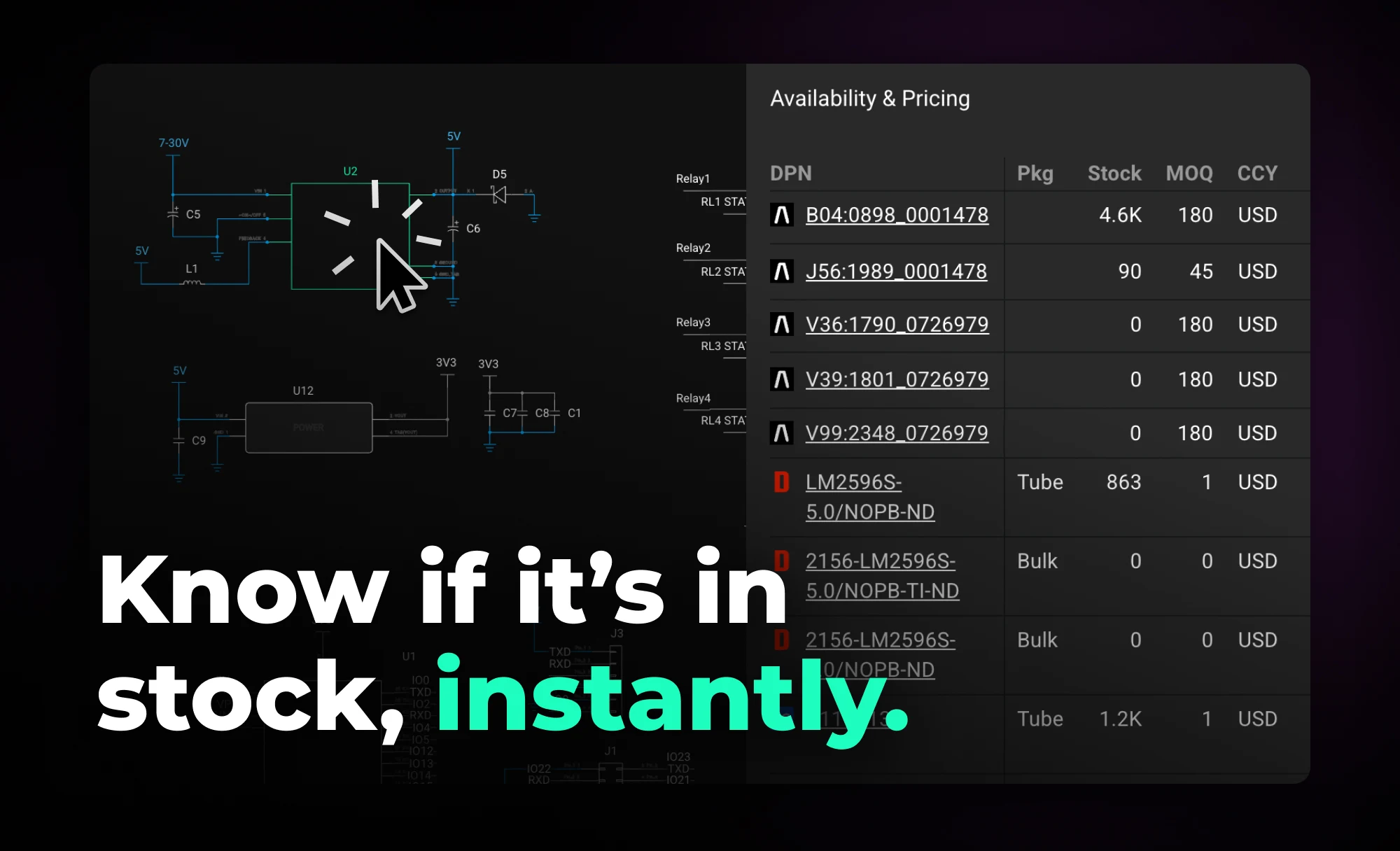
Flux helps you design with live pricing and stock data, using AI to find in-stock parts and fast replacements before your BOM breaks.


With the latest release of Copilot it isn’t just smarter—it’s hands-on, placing components and applying bulk changes to your project instantly. But to get the most out of it, knowing how to craft the right prompt is key.


Imagine an AI teammate that doesn’t just chat about your PCB ideas, but actively transforms them into schematics—placing parts, connecting circuits, and optimizing your design at your command, all through natural language. That’s exactly what the newly overhauled Flux Copilot does.
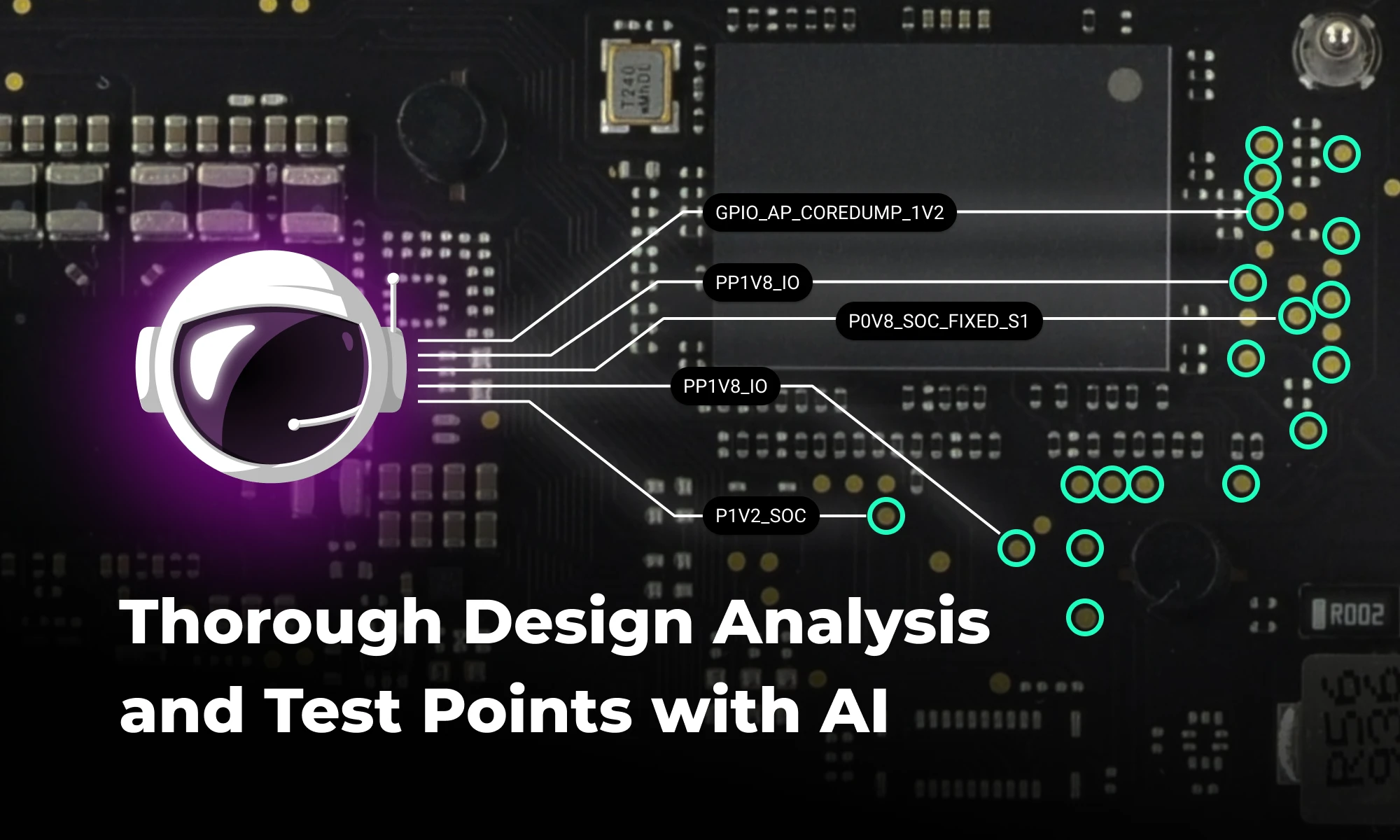
Discover how AI revolutionizes functional testing for PCB design. Learn to create comprehensive test plans faster with Flux Copilot, accelerating debugging processes and improving product quality.

Copilot new access to Flux’s live pricing and availability tools so that it can do the supply chain and cost analysis for you. Read on to learn about how we’re leveraging AI to give you the power of an entire supply-chain team right at your fingertips.

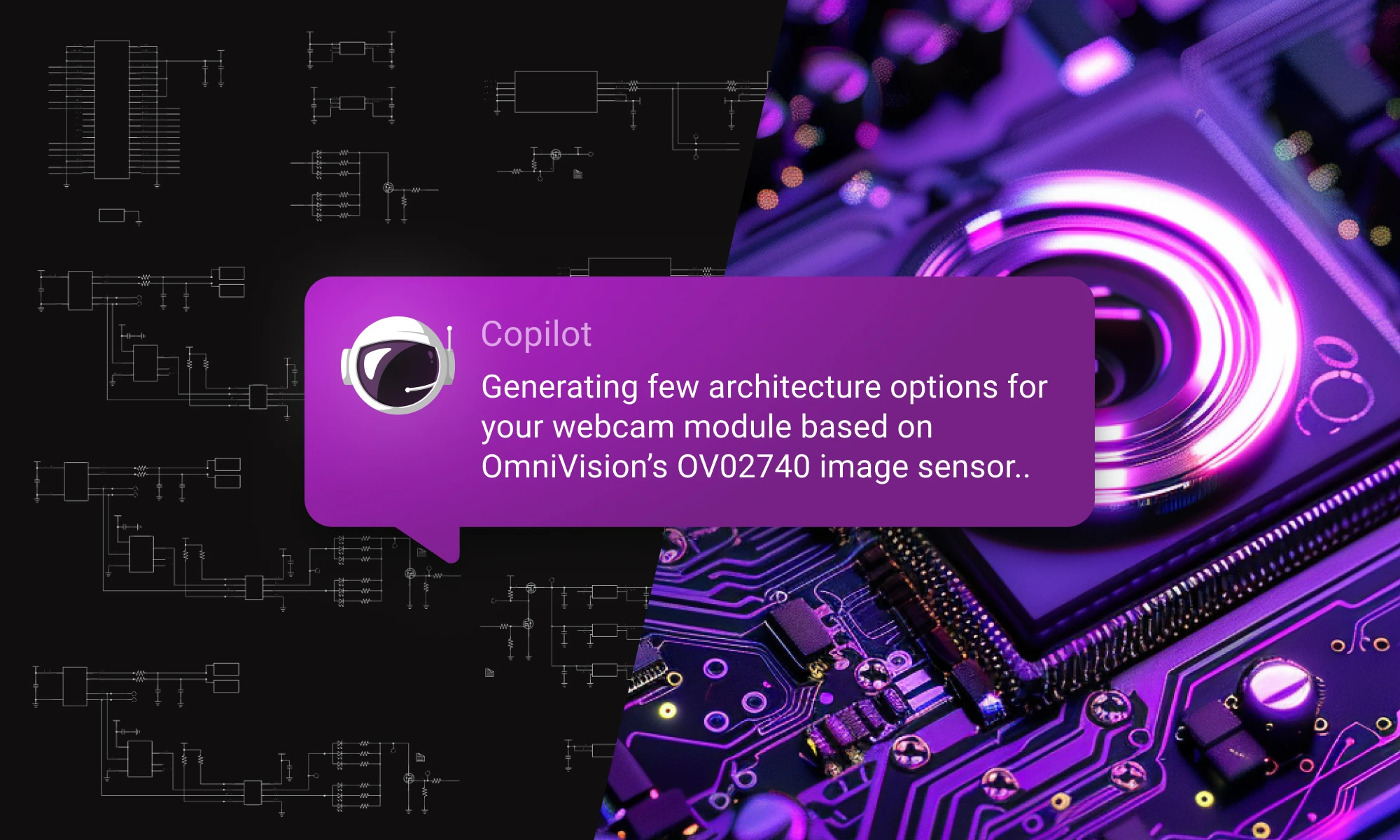
Discover how Copilot transforms hardware design from concept to creation through an end-to-end example of designing a webcam, showcasing the power of AI hardware design at every step.
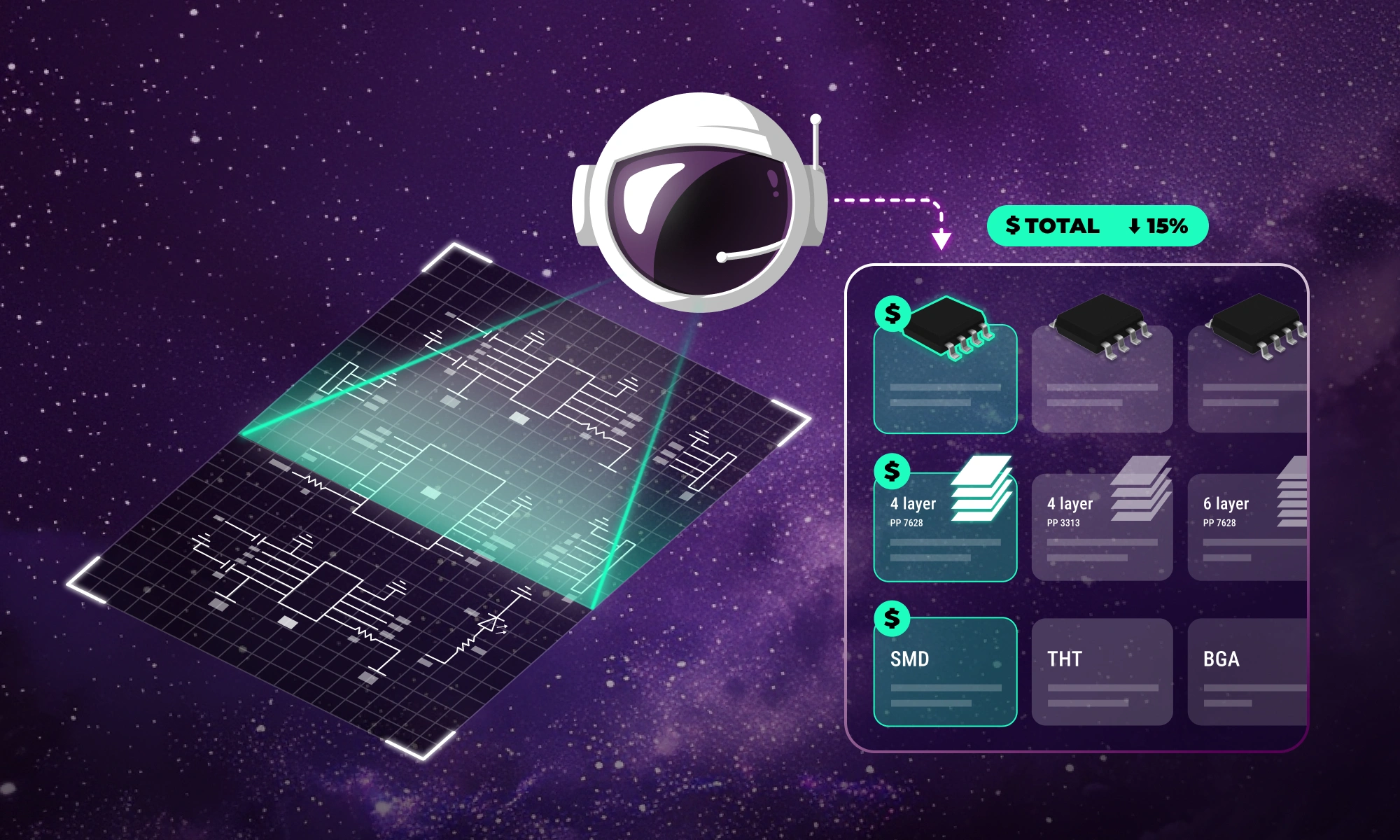
Flux Copilot helps your team tackle the complexities of PCB cost optimization, identifying hidden savings and providing engineers with actionable insights to streamline design processes and reduce costs.

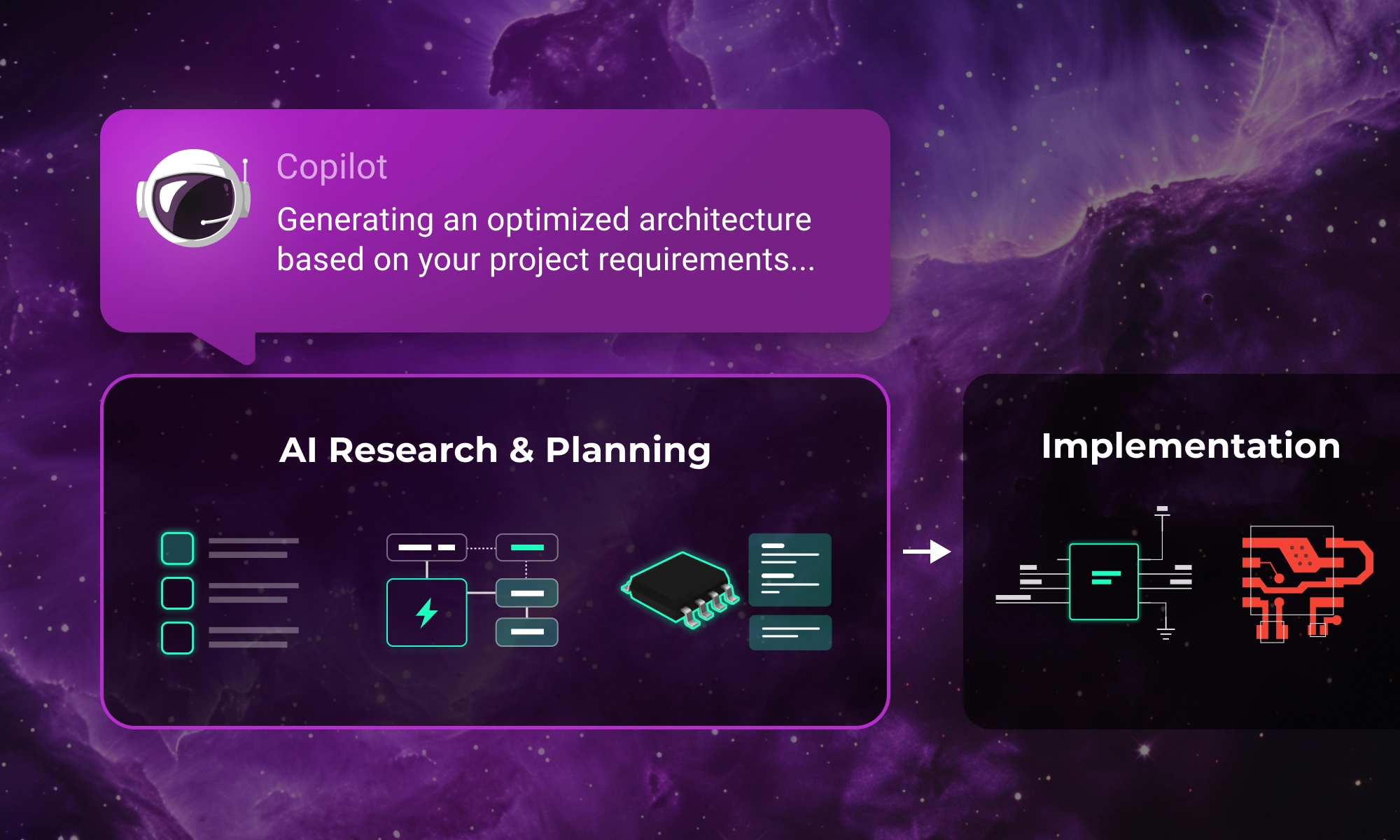
Integrating AI into hardware development just became easier. Improve your research and planning phase with Flux Copilot—no need to change your existing tools.


