

June 27, 2023
Generative AI for Hardware Design

Share


Last month we launched Flux Copilot, the industry’s first AI-powered hardware design assistant integrated into a PCB design tool. The innovative ways in which you’ve employed it to brainstorm, debug, conduct part research, and answer project-specific queries have truly amazed us. To celebrate this, we've compiled a page featuring all our favorite Flux Copilot prompts.
Today, we're excited to reveal a major upgrade - Flux Copilot is transitioning from being a helpful guide to a proactive partner. It no longer just advises but, with your approval, can now wires components together! This is a small step towards fully generative AI, reducing the time and complexity often associated with component connections.
Imagine working on a complex electronic circuit project, only to realize that you're not entirely sure how to connect the components. With the upgraded Flux Copilot, you can now simply ask,
@copilot, how would I connect these parts to make the LED flash at 1kHz?
Instead of just providing advice, Flux Copilot gives you the option to wire it up for you, saving you significant time and reducing the tedious parts of the hardware design process.
Dealing with a complex circuit and unsure about connecting components such as the RP2040 and SPI TFT LCD? No need to spend hours poring over datasheets to figure out which pins are capable of what. Simply ask,
@copilot, how should I connect U1 and U2?
where U1 and U2 are reference designators (REFDES) of RP2040 and TFT LCD in the schematic editor, respectively.
Just watch as Copilot smartly wires up your components in the schematic editor. Discover how to construct an RPi-pico-like board in just 20 minutes using Flux Copilot in this tutorial!
High-speed design is often a daunting domain, requiring specialized knowledge. There are a whole host of these requirements that make impedance control difficult to implement. Flux Copilot makes it as straightforward as any other design. Ask,
@copilot, how would I connect these two HDMI connectors as a pass through?
and allow Flux Copilot to establish the advised connections. Then, route your high-speed traces as usual. Flux takes care of all impedance control and calculations, allowing you to concentrate on the broader design. Learn more about high speed design with Flux.
To make the most of Flux Copilot, remember these key tips:
This is just one small step towards our vision of taking the hard out of hardware, and we couldn’t do it without your participation and feedback. We’re particularly excited about empowering individuals to iterate faster with Flux Copilot, using it like a senior electrical engineer that’s always there to brainstorm solutions, debug circuits, and discuss challenges with you.
We can't wait for you to experience the new and improved Flux Copilot and discover the difference it can make in your projects. Please let us know if you have any feedback or questions via help@flux.ai.
We're excited to see the incredible designs you create!
Best,
Matthias Wagner

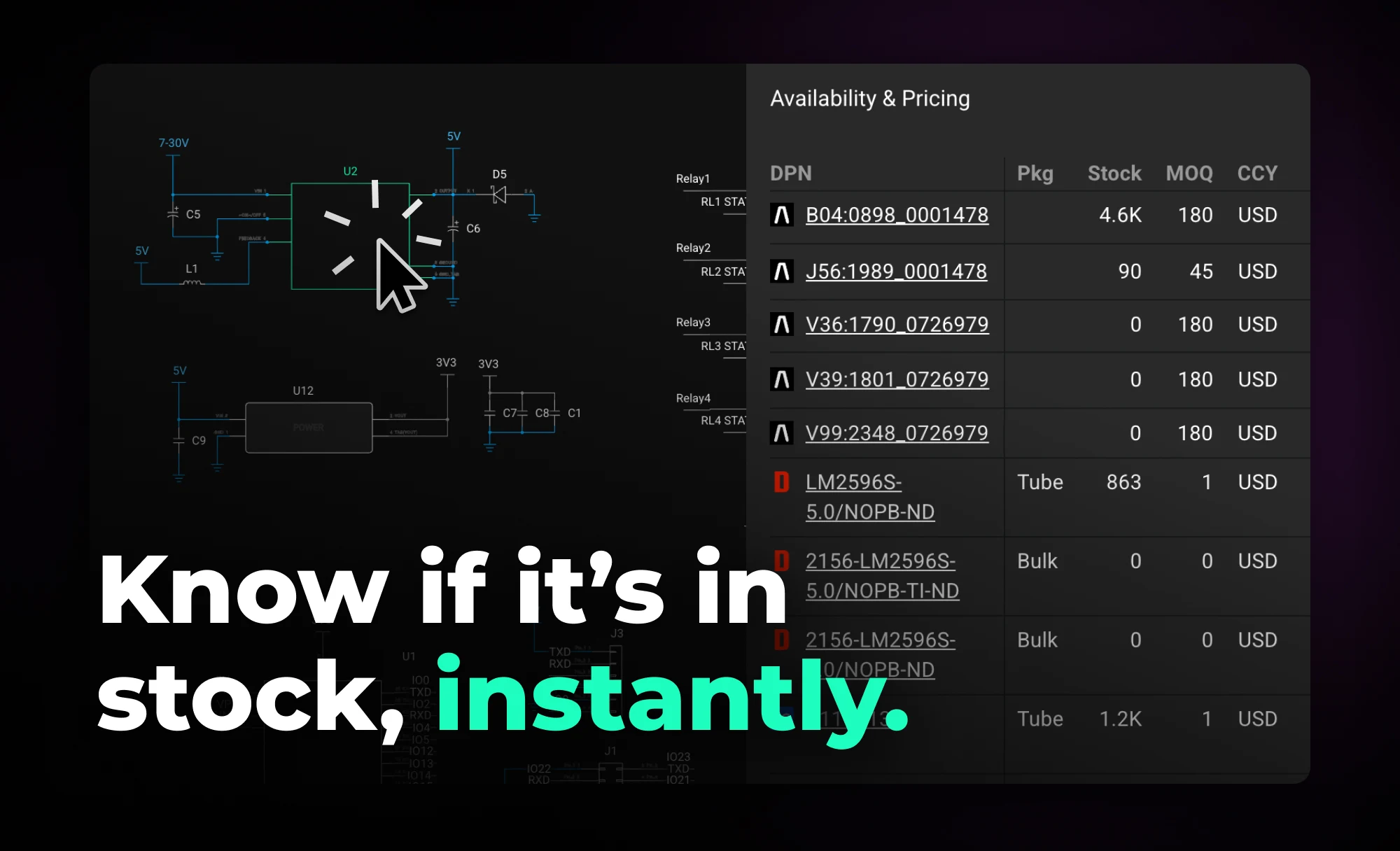
Flux helps you design with live pricing and stock data, using AI to find in-stock parts and fast replacements before your BOM breaks.


With the latest release of Copilot it isn’t just smarter—it’s hands-on, placing components and applying bulk changes to your project instantly. But to get the most out of it, knowing how to craft the right prompt is key.


Imagine an AI teammate that doesn’t just chat about your PCB ideas, but actively transforms them into schematics—placing parts, connecting circuits, and optimizing your design at your command, all through natural language. That’s exactly what the newly overhauled Flux Copilot does.
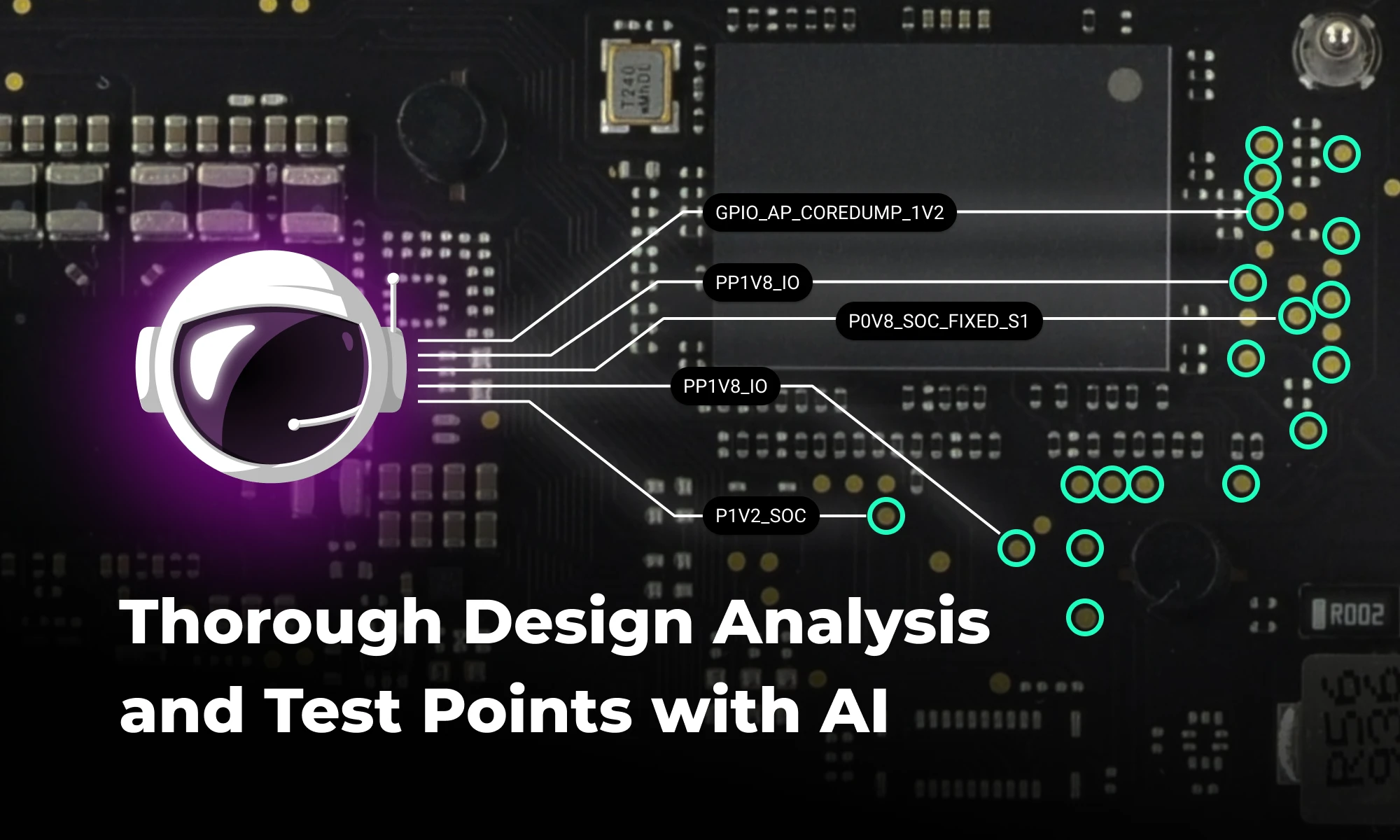
Discover how AI revolutionizes functional testing for PCB design. Learn to create comprehensive test plans faster with Flux Copilot, accelerating debugging processes and improving product quality.


Copilot new access to Flux’s live pricing and availability tools so that it can do the supply chain and cost analysis for you. Read on to learn about how we’re leveraging AI to give you the power of an entire supply-chain team right at your fingertips.

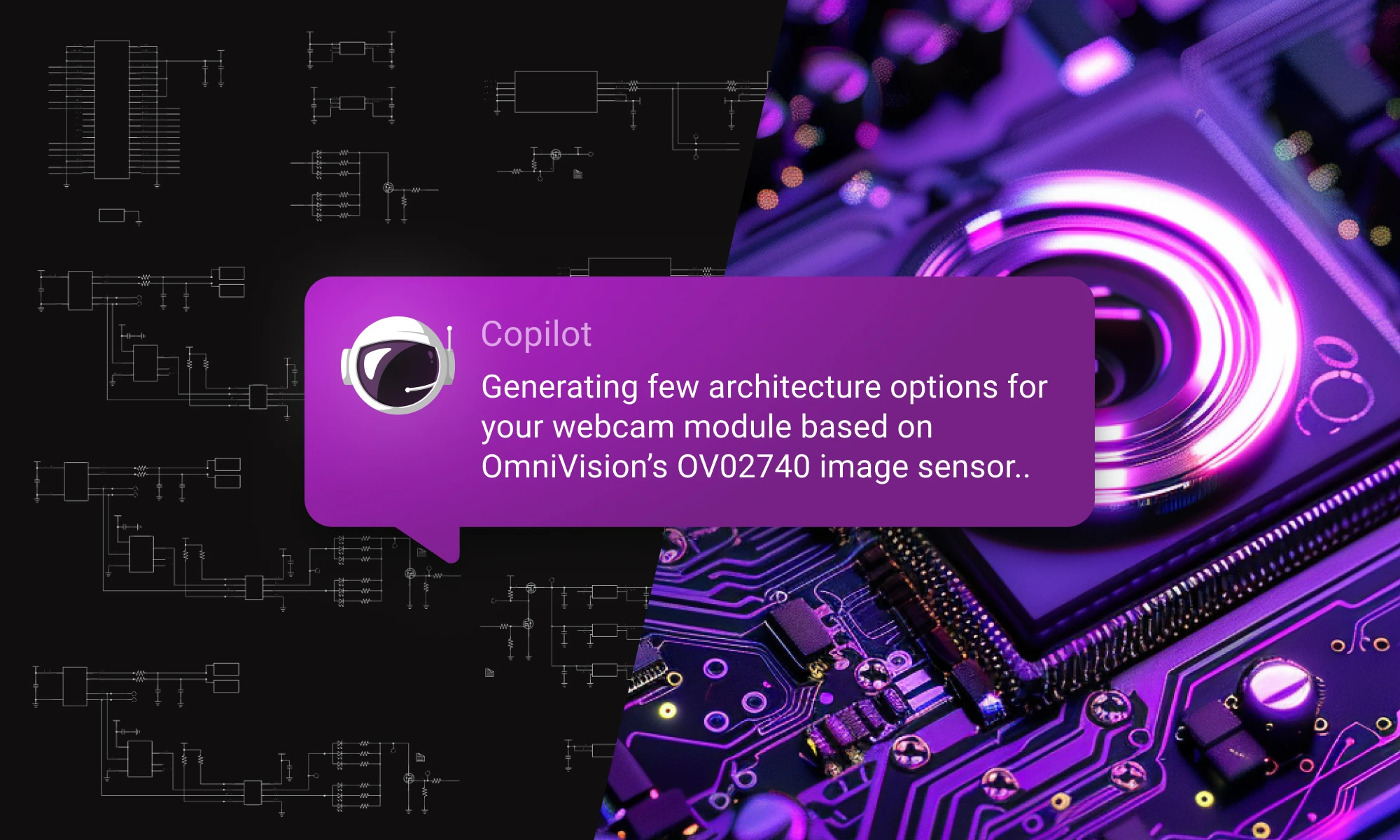
Discover how Copilot transforms hardware design from concept to creation through an end-to-end example of designing a webcam, showcasing the power of AI hardware design at every step.
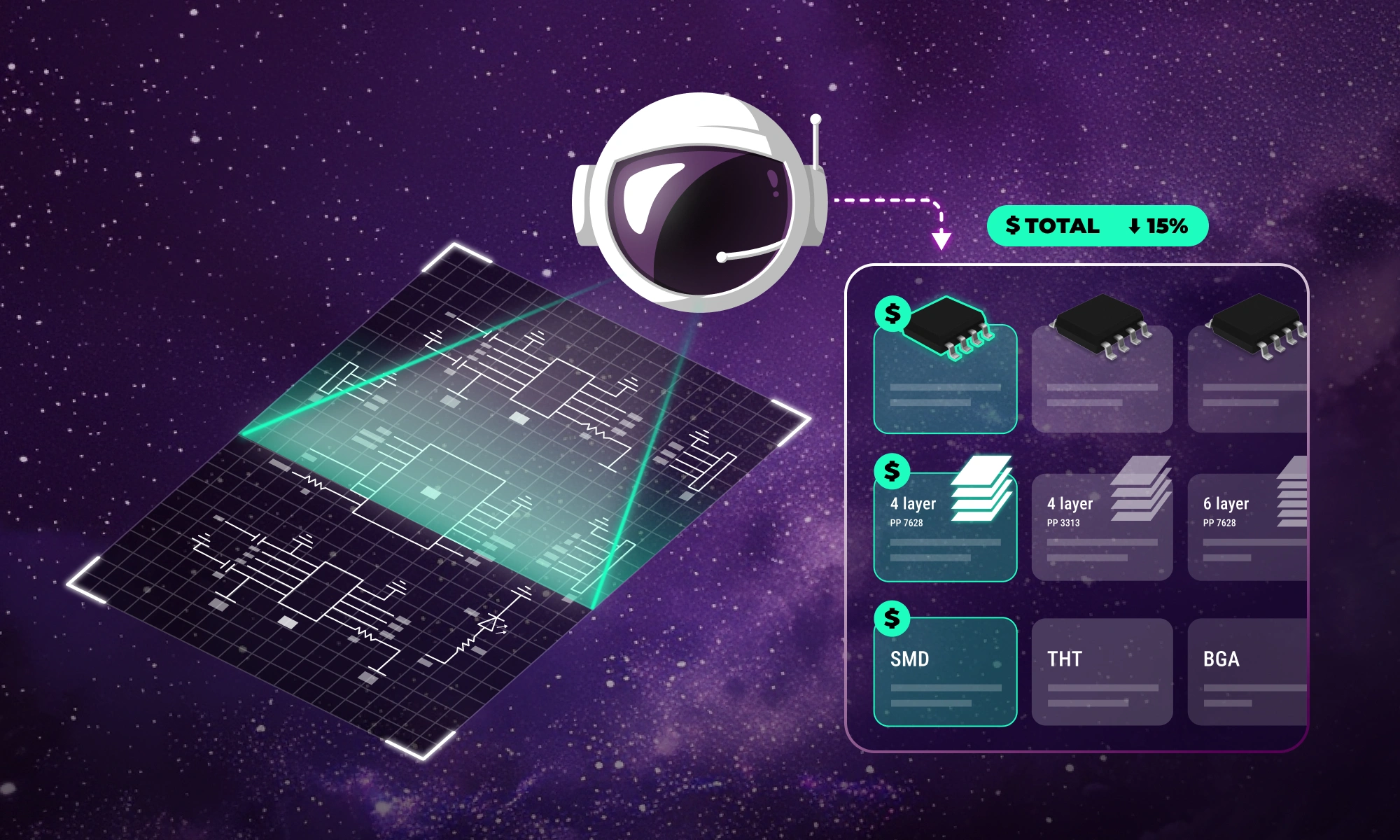
Flux Copilot helps your team tackle the complexities of PCB cost optimization, identifying hidden savings and providing engineers with actionable insights to streamline design processes and reduce costs.

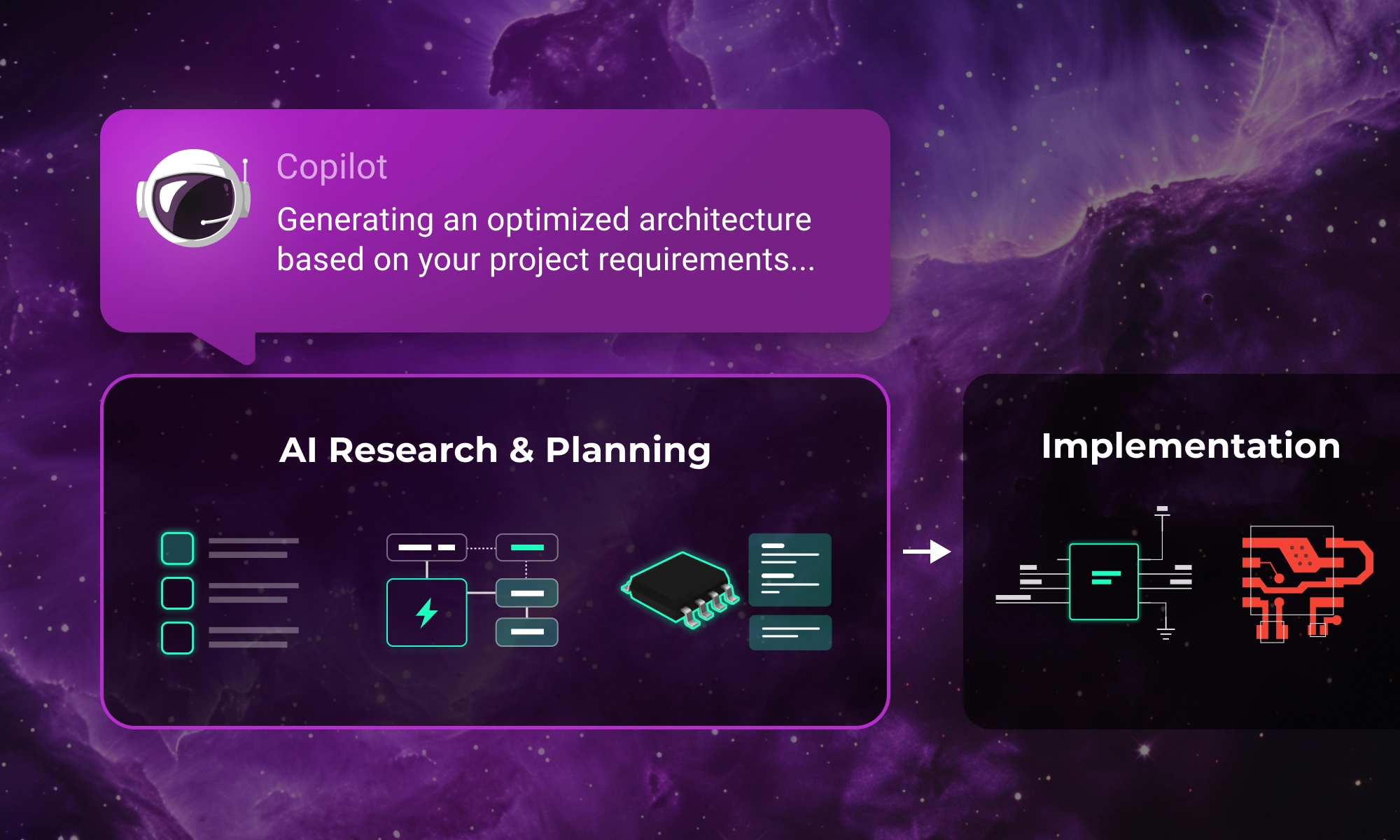
Integrating AI into hardware development just became easier. Improve your research and planning phase with Flux Copilot—no need to change your existing tools.


